
Visibility & Spatial Video
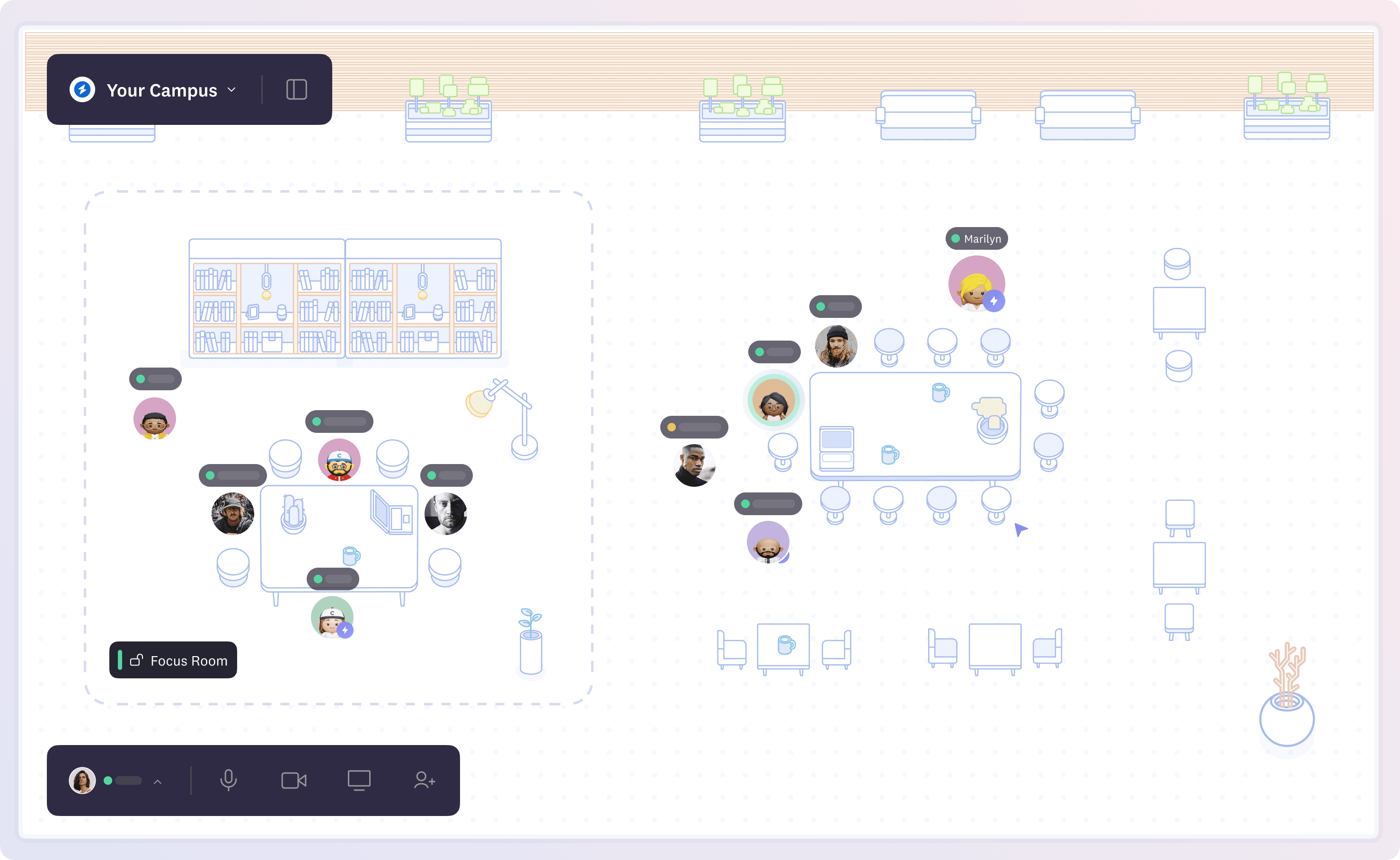
Visibility lets you see everything happening in your space at a glance - who's around, what conversations are happening, and which ones you can join. Think of it like looking across an office floor or classroom, where you can instantly understand what's going on around you.
Spatial video enables location-based conversations in Cosmos. Unlike traditional video calls where everyone is in the same conversation, spatial video means you only see and hear people near your avatar - just like in real life. Move closer to join a conversation, step away when you're done.
Why these matter together?
- Stay informed without information overload
- Spatial video gives you the freedom to choose your interactions - move closer to join interesting discussions, find quiet corners for private chats, or claim a desk for co-work office hours
- Build meaningful connections through natural interactions, no scheduling needed
Key Features
- See all ongoing activities and available people
- Join conversations by moving closer, leave by stepping away
- Have multiple parallel discussions without switching between calls, making collaboration and learning quick
- Create natural breakout groups without complex setups
Pro Tip: Notice an interesting discussion? You can see if it's open to join before approaching - just like you would read the room in real life.