
Call Recording & AI: Cosmos Replay
Remote collaboration produces valuable conversations that are lost the moment meetings end. Our AI meeting recorder, Cosmos Replay, captures these discussions, transforming them into shareable resources that your team, students, or community can reference anytime.
Cosmos Replay records your Cosmos meetings and generates AI-powered meeting transcription and summaries, making it easy to share knowledge, decisions, and learning materials with one click, making it the best AI meeting note taker.
.png&w=3840&q=75)
Recording & Transcription
- One-click cloud recording for any Cosmos meeting or conversation
- AI-powered meeting transcription with speaker identification
- Video controls for easy playback and review
- Timestamp navigation to reference specific discussion points
- All recordings automatically organised in the dedicated Replays section
AI-Powered Insights
- Automatically generated meeting summaries
- Key discussion points highlighted for quick reference
- Action items extracted from conversation
- Complete transcription available alongside video
- Option to download both video and text content
Seamless Sharing
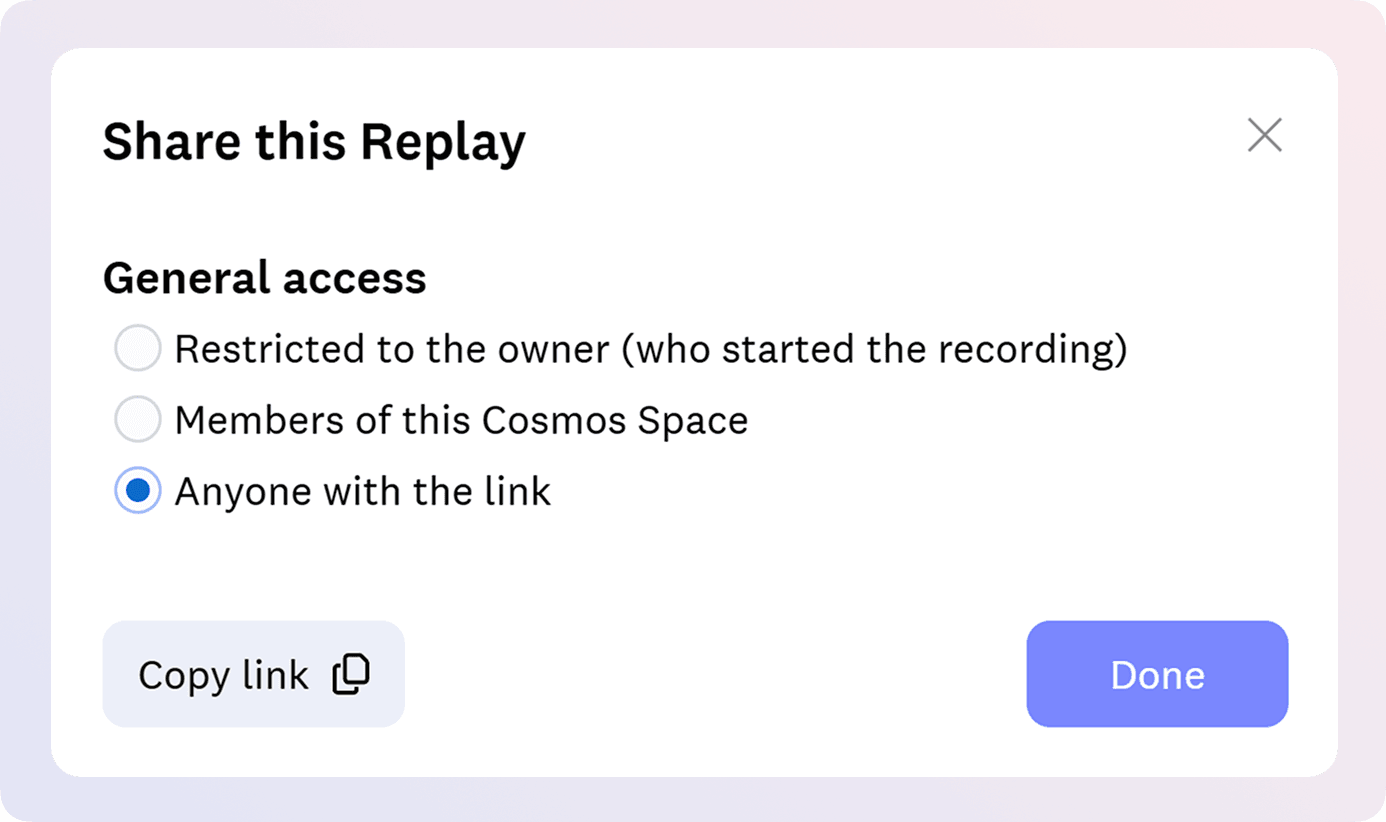
- One-click sharing with meeting participants
- One-click sharing with entire teams or specific individuals
- Secure link generation for external sharing
- No account required for viewers to access shared content
Coming Soon
- Integration with Google Docs and Notion
- Context-based search across meeting recordings
- Advanced meeting analytics
Why it matters
- Increase team alignment - Share exact discussions with teammates who missed meetings to ensure everyone has the same context
- Enhance learning for students - Allow students to revisit lectures and tutorials at their own pace
- Build knowledge repositories - Create a searchable library of important discussions, or even onboarding content to automate the process
Pro Tips
- Use Cosmos Replay as the best alternative to Loom - simply record yourself and your screen to create shareable explainer videos
- For educators: Record once and share with multiple student groups to save time on repetitive explanations. For information about storage limits, pricing, and additional language support, please visit our Pricing Page.