Tandem chat has no recording, no spatial audio, and caps rooms at 20 people. Cosmos delivers HD recording with transcription, proximity-based conversations — from $8.80 per concurrent user.
14-day free trial · Setup in 5 minutes

Trusted by 10k+ users globally to host 1M+ hours of HD calls monthly
Tandem's bucket pricing looks straightforward — $59 to $449 per month depending on team size. But you're paying for the full bucket even if only half your seats are filled, and the feature gaps are hard to ignore. Cosmos charges $8.80 per concurrent user — you only pay for who's actually online — and includes everything a virtual office actually needs.
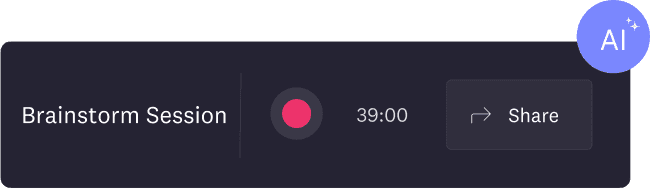
No recording means lost context
The Tandem chat app has no recording capability at all. No cloud recording, no transcription, no AI meeting summaries. Every brainstorm, every client call, every decision — gone the moment someone hangs up. Cosmos records every meeting automatically with transcription and AI summaries, stored forever.

No spatial audio, no office feel
Virtual offices exist to recreate the spontaneity of a physical workspace. Tandem video chat has no proximity-based conversations and no walk-up chats — you can't wander over to a colleague's desk and start talking. Cosmos makes this the default experience: audio fades in as you approach someone, just like a real office.

20-person rooms aren't enough
Tandem caps calls at 20 participants. If your company holds all-hands, town halls, or cross-team standups with more than 20 people, you'll need a separate tool. Cosmos supports up to 150 people in a single call — no workaround needed.
All performance data measured in real 2-hour sessions with 10 participants. Pricing compared at Tandem's monthly billing rates. Full methodology
 | .png&w=384&q=75) | |
|---|---|---|
| Audio quality | 32 kbps | 96 kbps (3× better) |
| Video codec | H264 video, VP8 screenshare | AV1 (latest gen) |
| Screenshare frame rate | 15 fps | 30 fps (2× smoother) |
| Max people in a call | 20 | 150 |
| Design themes | Single style | Minimal + vibrant 2.5D styles |
| Free plan | 4 members, 5 hrs/day | 4 concurrent users, unlimited hours |
| Camera resolution | 720p (1280×720) | 720p (1280×720) |
| Guest access | Account + verification required | 1-click access (no signup) |
| Recording | ||
| Meeting transcription | ||
| AI meeting summaries | ||
| Proximity-based audio | ||
| Walk-up conversations | ||
| Breakout rooms | ||
| Live captions | ||
| YouTube co-watching | ||
| Embedded apps | ||
| Built-in games | ||
| Noise cancellation |
| | |
|---|---|---|
| Audio quality | 32 kbps | 96 kbps |
| Video codec | H264/VP8 | AV1 |
| Screen fps | 15 fps | 30 fps |
| Max per call | 20 | 150 |
| Design themes | Single | Minimal + 2.5D |
| Free plan | 4 members, 5 hrs/day | 4 users, unlimited hrs |
| Camera | 720p | 720p |
| Guest access | Signup needed | 1-click |
| Recording | ||
| Transcription | ||
| AI summaries | ||
| Proximity audio | ||
| Walk-up chats | ||
| Breakout rooms | ||
| Live captions | ||
| YouTube co-watch | ||
| Embedded apps | ||
| Built-in games | ||
| Noise cancel |
Tandem uses bucket pricing — flat monthly rates based on team size tiers. The problem: you pay for the full bucket even if you're nowhere near the cap. A team of 11 people jumps from the $59 Small plan straight to the $119 Medium plan — that's $119/month whether you have 11 members or 50.
Cosmos has one plan at $8.80/concurrent user/month — billed only for the people online at the same time. No buckets, no overpaying for empty seats.
See detailed pricing| Team size | | |
|---|---|---|
10 people ~5 online | $59/mo | $44/mo |
15 people ~7 online | $119/mo | $62/mo |
25 people ~10 online | $119/mo | $88/mo |
100 people ~25 online | $449/mo | $220/mo |
With bucket pricing, you're always paying for capacity you might not use. With concurrent pricing, you pay for exactly what you need.
Cosmos Space Builder gives you full control over your office layout — pick a template, drag and drop furniture, zones, and decorations, then publish without interrupting live calls. Tandem offers room customisation, but Cosmos provides significantly more templates and two distinct visual styles.
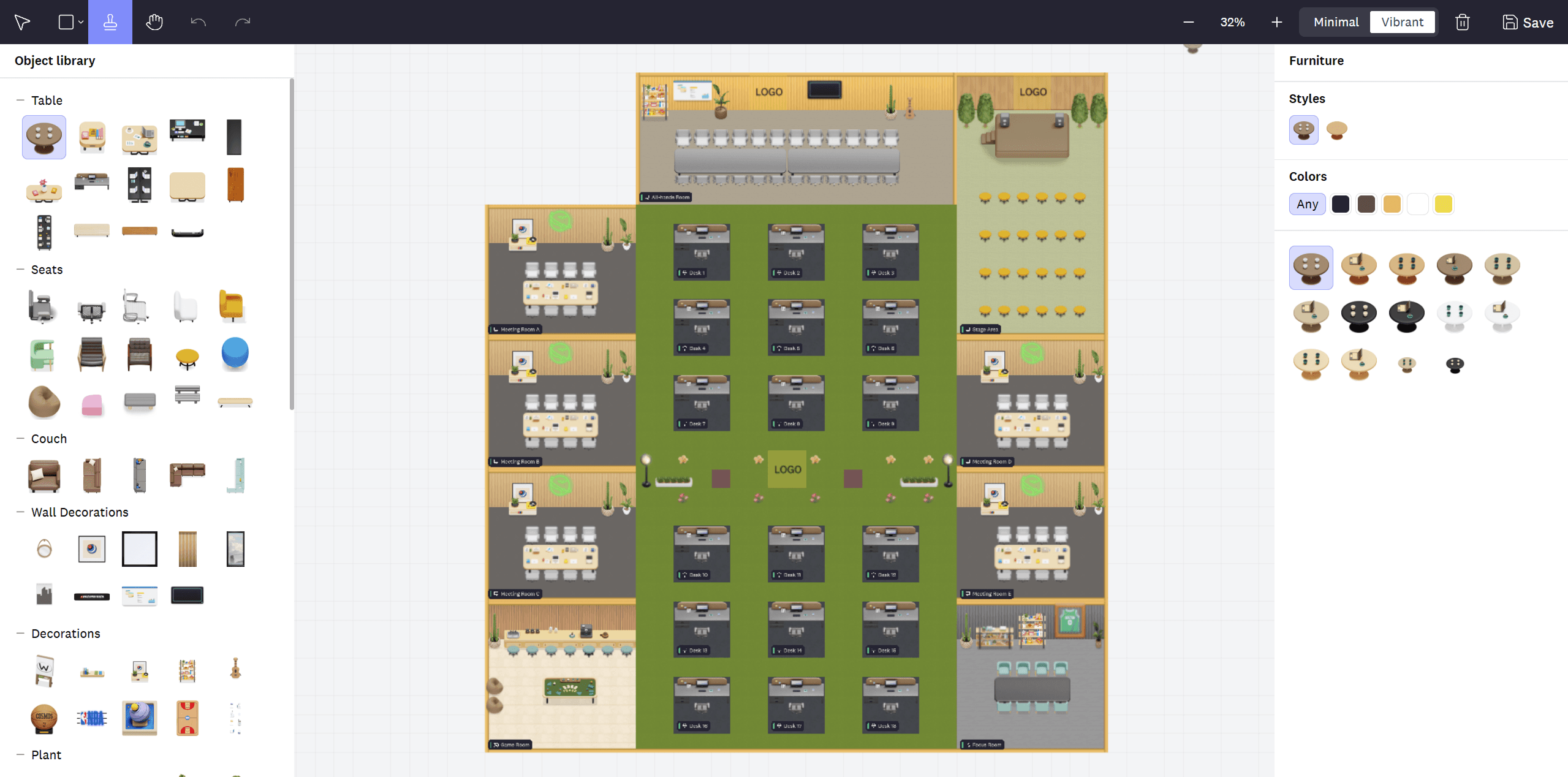
Cosmos offers minimal professional themes for teams that prefer clean aesthetics, and vibrant 2.5D environments for teams that want personality. Choose a Picture Bubble (profile photo) or an animated 2.5D Avatar. Tandem uses a single visual style with no theme selection.
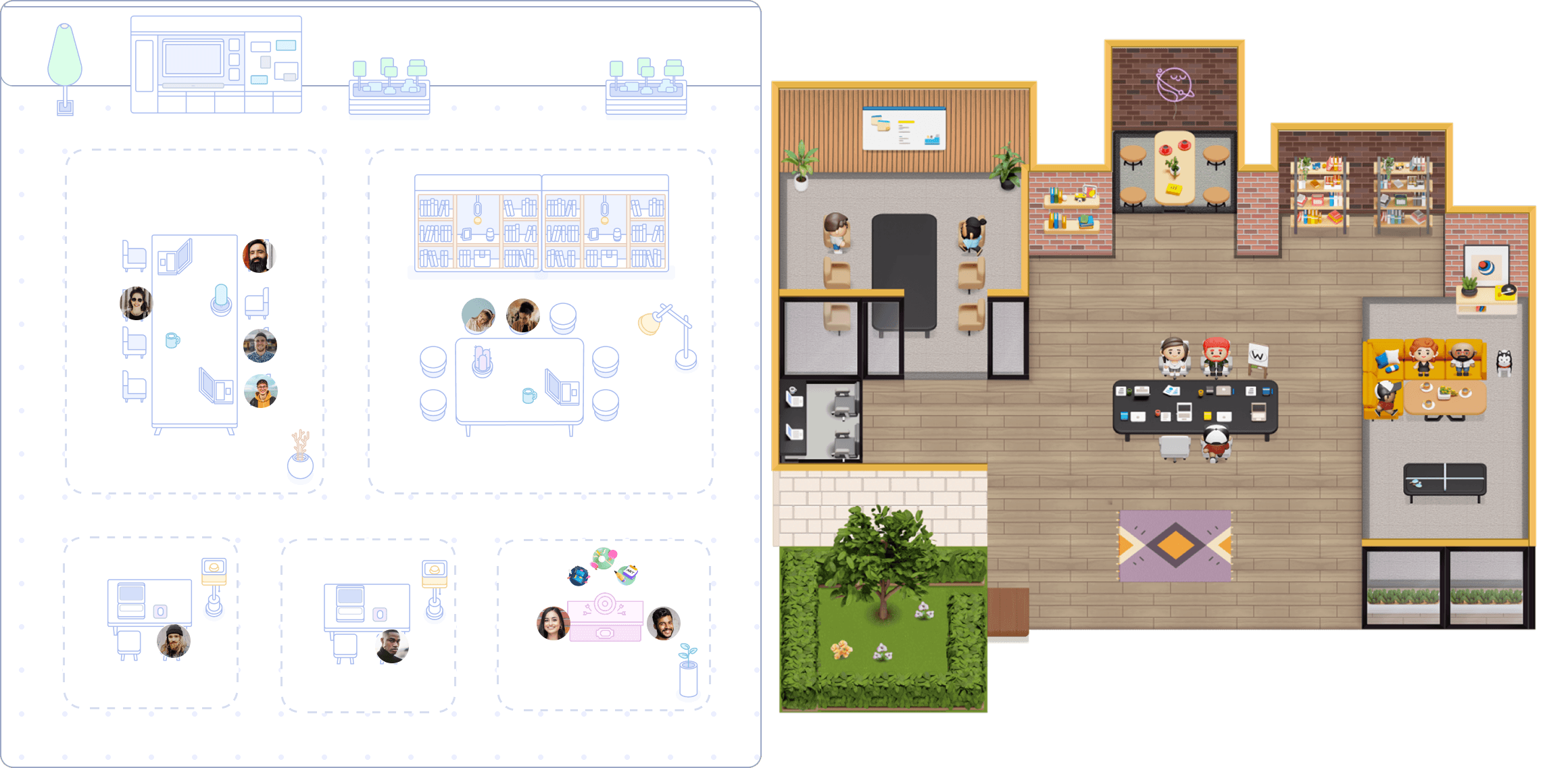
External participants on Cosmos click a link and they're in. No account creation, no email verification, no app download. Tandem requires every guest to create an account and complete verification before joining — adding friction to every client meeting, interview, or cross-company collaboration.


Our team uses Cosmos daily as a complete work-from-home solution that facilitates our daily meetings, review sessions, and weekly all-hands. Cosmos has dramatically enhanced our productivity, culture and engagement. Our employee NPS increased by 20% as a result of using Cosmos. It also helped create a stronger sense of belonging.

Production Manager
My remote team needed help with isolation when using traditional communication tools. New team members struggled to seek support on Slack and felt anxious when waiting for a reply. Everyone being available in our Cosmos creates a sense of community; we go through crunch times together, saving us time compared to back-and-forth messages on Slack. For people who need community, Cosmos is a game changer.
Accounting Manager
Cosmos has transformed our team by streamlining communication, fostering connections, and boosting productivity. With Cosmos, we hold all meetings on a single link, increasing visibility and allowing everyone to contribute. It has made casual conversations and asking questions easier, creating a strong sense of togetherness and enhancing our company culture.
Co-Founder and COO
For most team sizes, yes. Cosmos bills $8.80 per concurrent user — only those online simultaneously. A 25-person team with 10 online pays $88/month on Cosmos vs $119/month on Tandem's Medium plan. A 100-person team pays $220/month on Cosmos vs $449/month on Tandem's Large plan. Tandem's bucket pricing means you pay for the full tier even with fewer members — a team of 11 pays the same $119 as a team of 50.
Tandem uses bucket pricing — flat monthly rates based on team size tiers. Free (up to 4 members, 5 call hours/day), Small Teams ($59/mo, up to 10), Medium Teams ($119/mo, up to 50), and Large Teams ($449/mo, unlimited). Annual billing saves 20-25%. The downside is you always pay for the full bucket. Cosmos has one plan at $8.80/concurrent user — you pay only for who's online.
No. Tandem has no recording capability — no cloud recording, no local recording, no transcription, and no AI meeting summaries. Cosmos includes built-in cloud recording, automatic transcription, and AI-generated meeting summaries on every plan.
No. Tandem has no proximity-based conversations and no walk-up chat. Cosmos makes spatial audio the default — call starts as you approach a colleague, recreating the spontaneity of a physical office.
Tandem caps rooms at 20 participants across all plans, including the Large plan. Cosmos supports up to 150 people per call — over seven times the capacity.
Yes, but it's limited to 4 members and 5 call hours per day. Cosmos also has a free plan with no daily call hour limit.
No. Tandem requires every participant to create an account and complete email verification before joining. Cosmos lets guests join via a shared link with no signup, no download, and no verification — they click and they're in.
Yes. Cosmos delivers 96 kbps studio-grade audio — three times Tandem's 32 kbps. The difference is especially noticeable in group conversations where lower bitrates create muddy, overlapping voices.
Both share at 2880×1620 resolution, but Cosmos runs at 30 fps versus Tandem's 15 fps — double the smoothness for design reviews and live demos. Both offer multiple screenshare optimisation modes.
No. Cosmos includes built-in breakout rooms for splitting calls into focused groups — useful for workshops, retrospectives, and training sessions.
Start a 14-day free trial — all premium features unlocked. Set up your virtual office in under 5 minutes and share the link with your team. No credit card required.
Cosmos is the most feature-complete Tandem chat alternative — it includes recording, spatial audio, breakout rooms, live captions, and 150-person calls that Tandem doesn't offer. Other virtual office platforms include Gather, SoWork, and Kumospace, but Cosmos is the only one combining AV1 video, concurrent pricing, and SOC 2 Type II + GDPR compliance. See the full comparison at cosmos.video/virtual-office-comparison.
Tandem video chat caps calls at 20 participants, which limits its usefulness for all-hands meetings, company town halls, or cross-team standups. If your team regularly needs more than 20 people in one call, you'll need a different platform. Cosmos supports up to 150 people per call.
Tandem has limited browser support. Cosmos runs on Chrome, Edge, and Firefox — no app download required for basic access, though desktop apps are available for both platforms.
“My team and I love Cosmos, it's definitely the best way we've found to work remotely, and it's the closest we've felt to being in person. Clicking on someone to start a conversation with them is far more natural than constantly sending Zoom links - just like tapping on someone's shoulder at the office!”
“The ease of joining, interacting, and playing fun games on the map. Innovative and creative map designs customized as per your needs. On Cosmos, you can right away search for your colleague and fly towards them. The status of each user also indicates if they are free/busy/afk or away.”
“Great product! It is honestly an interesting way to engage your remote team and give them the feeling of a virtual office without breaking the bank!”
“I love that it allows a real-life feel to a virtual experience which fosters a deep sense of connection! It is MORE than what typical video conferencing tools provide - this builds community!”
“I absolutely love the fact that I feel so good to have the possibility to work remotely but have a virtual space to see my colleagues. It's so easy to use, I love it!”
“What stands out most to me about Cosmos Video is its unparalleled versatility and seamless integration of features. The platform effortlessly combines robust video conferencing capabilities with a comprehensive virtual office suite, creating a dynamic and efficient workspace.”



