
Sudoku
How to turn on games in Cosmos?
1. Go to a Cosmos Space
-public space
-create your space
2. In Cosmos, tables can be used for games and work. Approach a table and look for the “Games” option. Game tables usually have a distinctive, gamified appearance like this:-
-1.png&w=3840&q=75)
3. Press “X” on your keyboard or click on “Games” in the toolbar to start a game.
How to play Sudoku:
1. There are 3 difficulty modes you can choose from- easy, medium and hard. Difference being the number of pre-solved numbers and the combinations you have to go through to solve the Sudoku.
.png&w=3840&q=75)
2. Each mode allows you to use hints or add notes while you are solving. On top of that, whenever you place wrong numbers across the board, the game will highlight them in red and tell you.
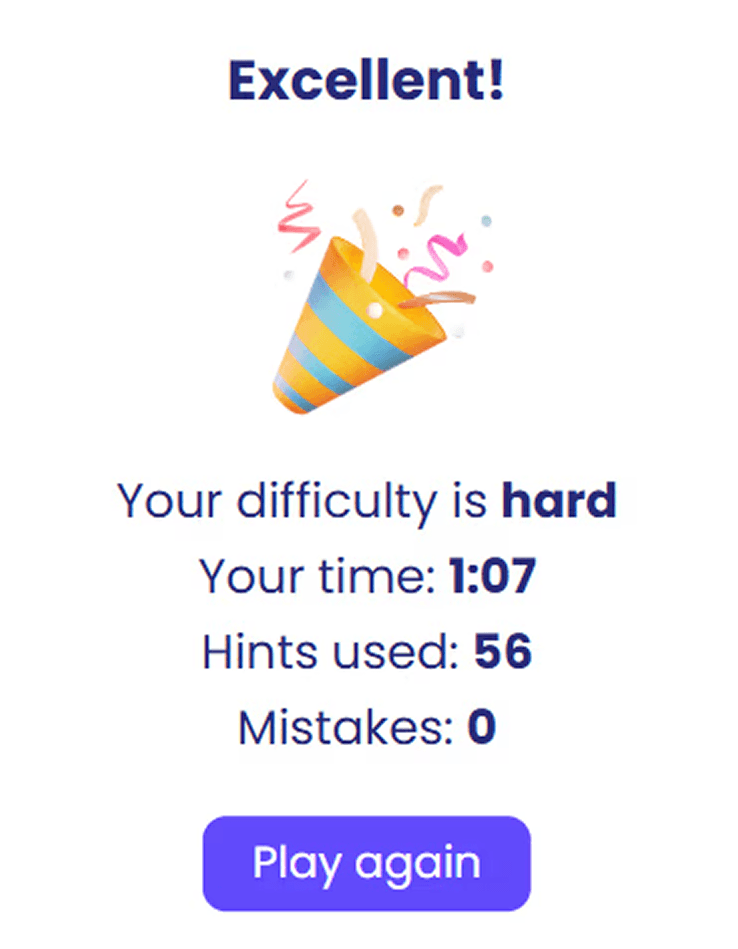
3. Complete Sudoku as quickly as possible with minimal mistakes and hints. Once completed, share the scores with your team. Let’s see who is the ultimate Sudoku champion!
Want to try out other games? View the full list