IdeasRequest a feature on our public board 💡

What's new in Cosmos Video

A running log of product updates and release notes — every new feature, performance improvement and fix we've shipped across Cosmos, the virtual office and video meeting platform for remote teams.

July 8, 2024

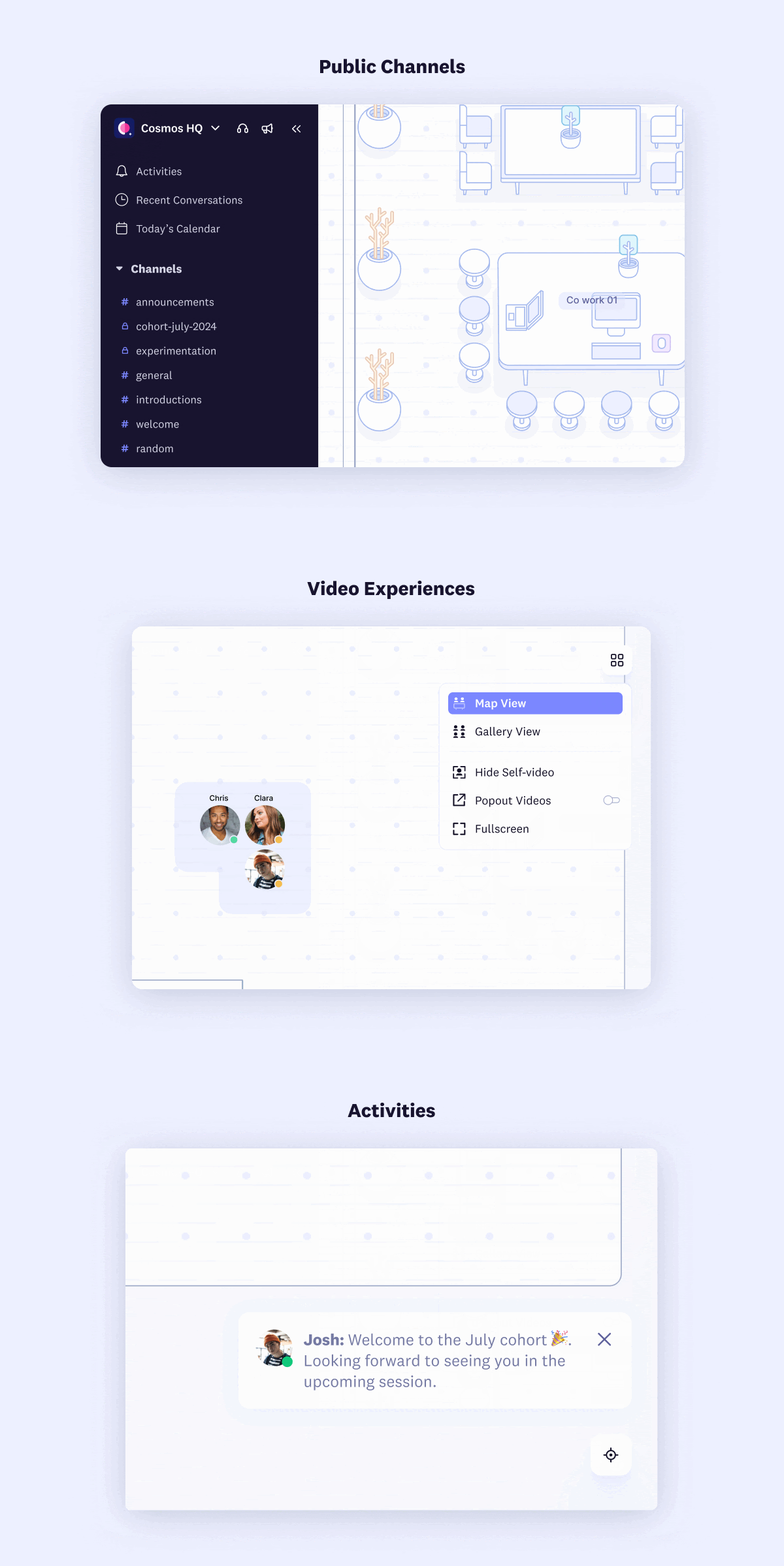
Video experiences, public channels & more

We are building out two streams for Cosmos to be the best digital place for people to come together, work and learn:

  • Video experiences: Our strong suit keeps getting better. Now, we have new and improved video experiences: map view, gallery of videos, pinning with HD quality video.
  • Channels and chat: We aim to ensure all your messaging needs are met inside Cosmos without going anywhere else.
Cosmos Video network and CPU optimisations keeping remote team video calls stable and connected

🎥 Video experiences

Different video experiences to suit everyone's needs, with default call quality at 720p.

  • View switcher: One place to switch between different video experiences
  • Map view: See videos in a floating layout over the map
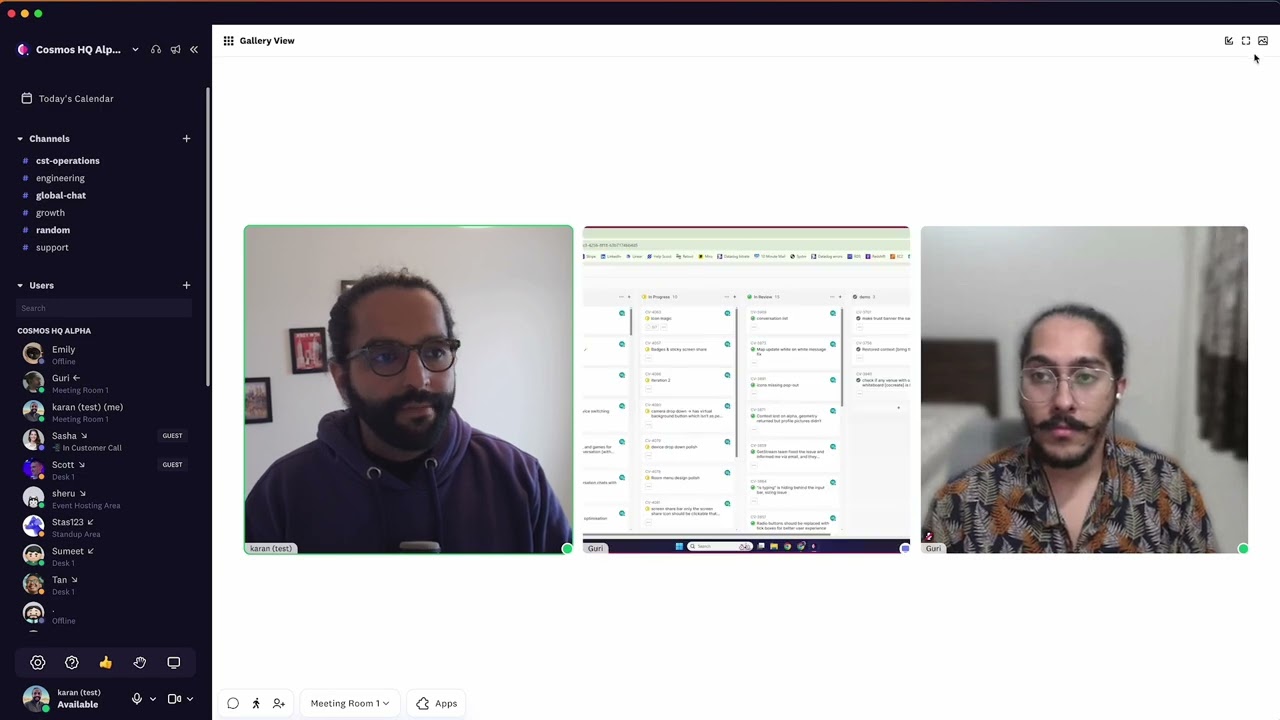
  • Gallery view: See videos in a grid with the ability to pin a video or screenshare, supporting up to 36 videos on a page
  • Video settings:
    • Popout: See up to 4 videos in a popout that stays on top of other apps with the Cosmos desktop app
    • Fullscreen: Focus entirely on the video and screen share
    • Hide self video: Hide your video if it's distracting

💬 Public channels

To level the playing field for communication within space. Messages sent to public channels reach everyone: admins, members, and guests. They are perfect for announcements, space-wide discussions, introductions, and welcomes.

🔔 Activities

Notifications now show in the bottom right of Cosmos along with a ding sound. Notifications are listed in the activities tab of the sidebar to keep you in the loop.

June 7, 2024

Cosmos May update: sidebar, video layouts, and screen share

These updates are designed to make your experience with Cosmos more intuitive and engaging.

🧭 All-new sidebar

Facilitates seamless communication through channel messages, DMs, video calls, and more, tailored to everyone's needs.

  • Space: All controls and settings related to your space.
  • Conversations & calendar: All your conversations and meetings in one place.
  • Channels: For async conversations and updates.
  • Users list: View user lists and perform actions quickly.
  • Your controls: Access inputs, screen sharing, status, and settings effortlessly.

📹 Video layouts and native chat

Perfect for hosting lectures, fireside chats, and panels with superior video and audio quality.

  • New video layouts: Choose from floating video in the map, video sidebar, gallery, or pinned videos.
  • 720p video quality: Video quality now auto-increases to 720p in gallery mode or when you pin a video during a call.
  • Native chat experience: View and interact with chat channels alongside video calls. Whether you're in gallery mode or focusing on a screen share, chat is always accessible.

🖥️ Improved screen-sharing experience

Elevates collaboration, group learning, and meeting experiences within your community.

  • One-click screen share: No need to choose quality every time; set defaults by hovering over the screen share option.
  • Screen share shows along videos: Effortlessly switch between different screen shares from the video container.
  • Annotation: Change pen colours easily for better collaboration (available in the desktop app).
  • Pop-out experience: Collaborate easily with multiple screen shares and one-click switching between screens from the pop-out window (available in the desktop app).
  • Screen preview: Tucked away to minimise distractions. No more infinity mirror effect when viewing your own preview.

🛠️ Contextual toolbar

Provides relevant controls for an excellent and easy-to-understand experience for guests and first-time students.

  • Your controls: Manage inputs, screen share, raised hands, and your settings.
  • Conversation controls: Handle conversation chat, move conversations, and invite people.
  • Room controls: Lock rooms, record sessions, and set up timers.
Cosmos May 2024 update video — watch on YouTube
May 28, 2024

Smoother guest experience, and customisation

Cosmos is a place to engage and achieve more together. Whether you're collaborating with colleagues, engaging students in workshops, or bringing together a community for discussions, we're here with you every step of the way.

Here's what we've been up to.

🛎️ Smoother guest experience

  • Familiar video call experience: Set the guest invite links to start the call in gallery mode and make your guests feel at ease.
  • Start calls smoothly: Direct guests to specific rooms in your Cosmos space.
  • Control access: Decide if external guests can join by themselves or need to be let in by admins or other members in the space.
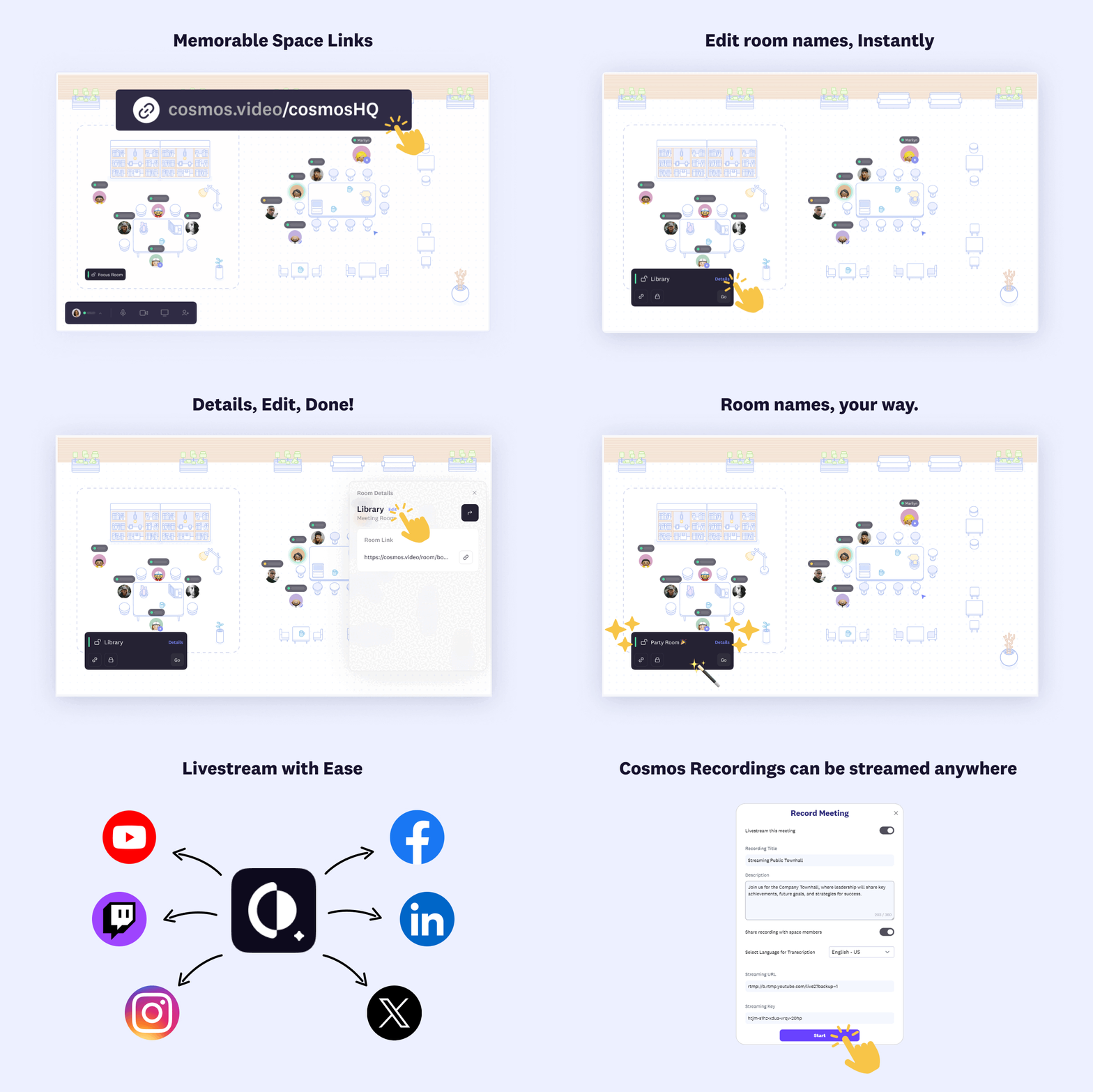
  • Be available for clients: Cosmos links are permanent; external guests can use them to find you when they need your help.

🎨 Your space, your brand

  • Branding: Add your logo and customise your space welcome header and description.
  • Space working hours: Let visitors know the best times to visit your team.
  • Booking link to schedule calls: If your space is empty, guests can use the booking link to book a meeting time.
Custom-branded Cosmos Video Support HQ landing page with team availability hours and booking options

💬 Chat keeps getting better

  • Improved channel creation: Creating channels and adding team members is smoother.
  • Notification preferences: Set what you want to be notified about for each space to make sure you stay in the loop without the noise.
May 10, 2024

Avatar style choice & mobile app updates

We hope you're making the most out of Cosmos. We're back with updates that make Cosmos accommodating for all teams — big or small, creative or corporate. Let's dive into what's new and improved.

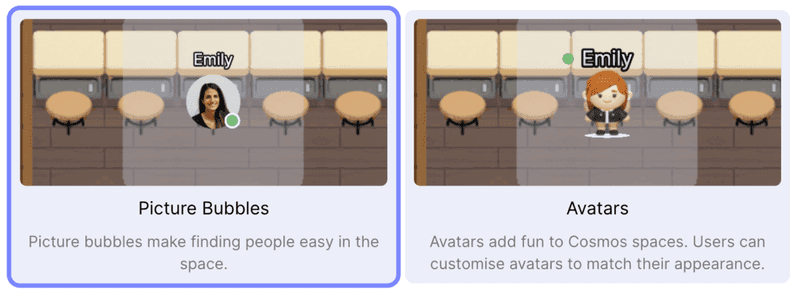
🧑‍🎨 Choose your avatar style based on your needs

  • Picture bubbles: For those who prefer simplicity, users can now upload profile pictures, making team recognition smoother and faster.
  • Avatars: Add a splash of fun by animating and customising your avatar, making every walk through Cosmos space engaging.
Cosmos Video comparison of Picture Bubble and Avatar styles for showing teammates in a spatial office

🤳 Mobile app enhancements for people on the go

  • Invite links: Meeting, room, user, or space invite links work seamlessly on mobile. We've added redundancy to ensure users get to the reception if any invite link breaks.
  • Simpler guest access: We want external guests to join on mobile without signups. This is in development and will be released next week.

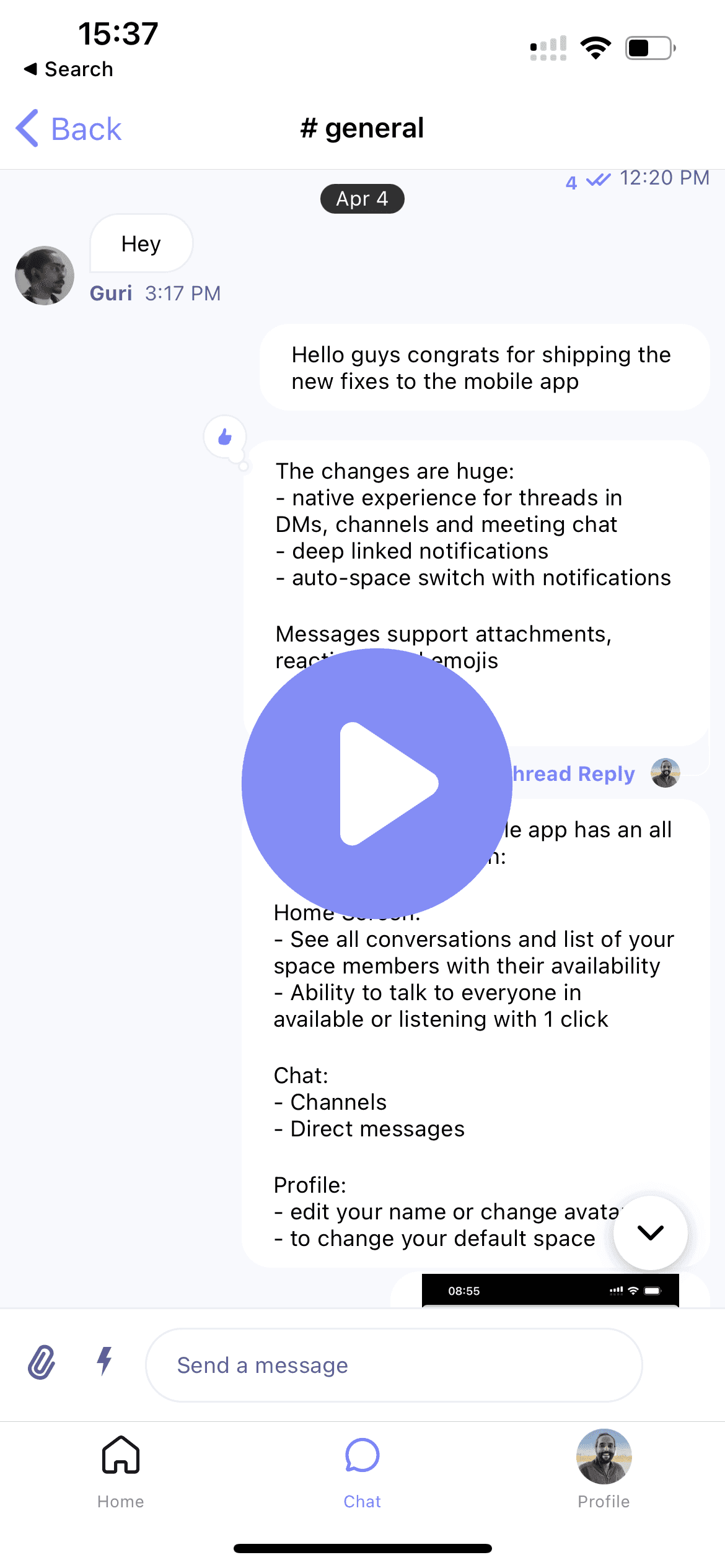
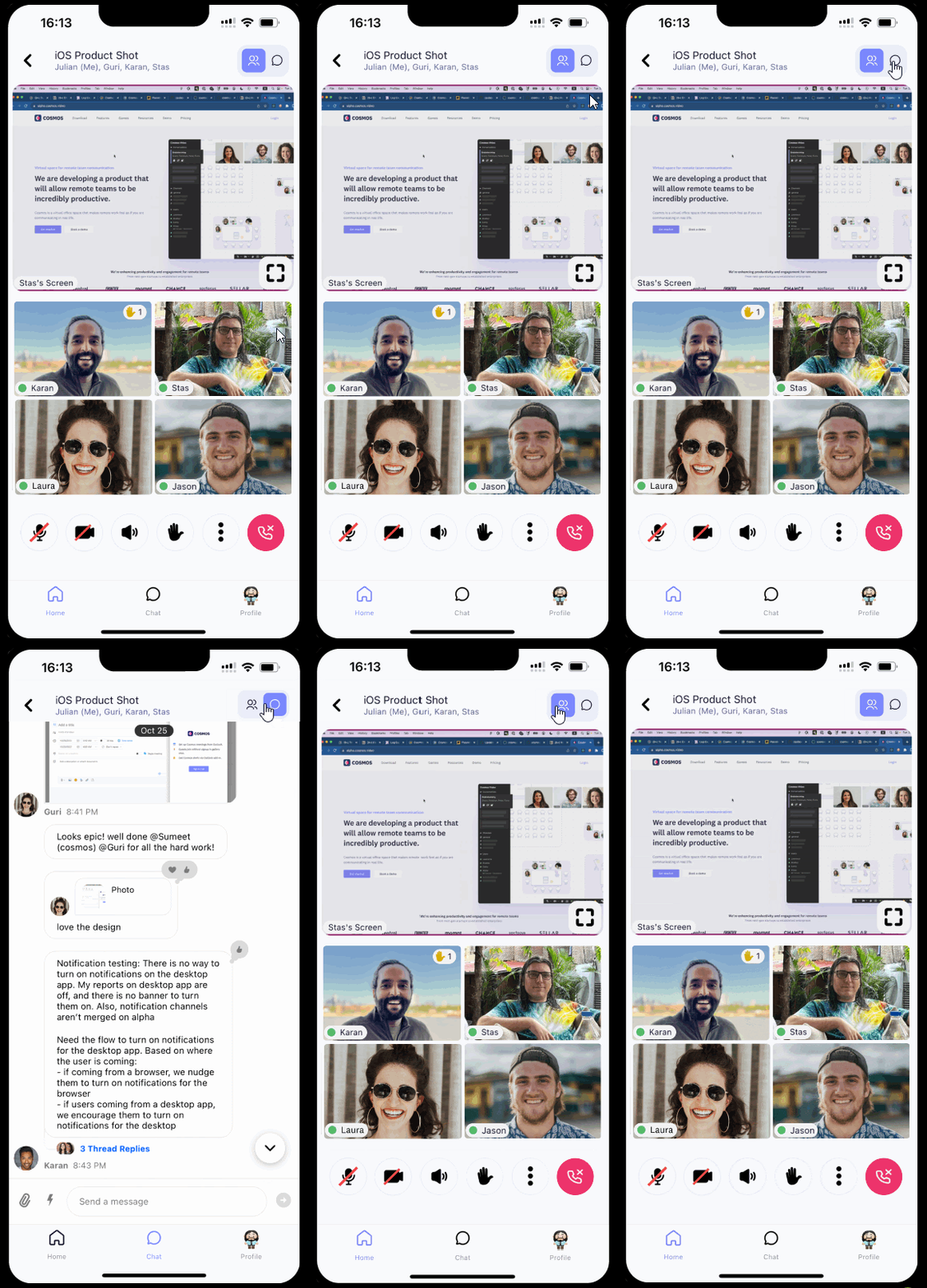
💭 Meeting chat is now available on mobile: Participants from the mobile can ask questions and share updates, documents, and insights, enriching interactions.

Cosmos Video iOS mobile app showing a 4-participant video call with mute and reaction controls

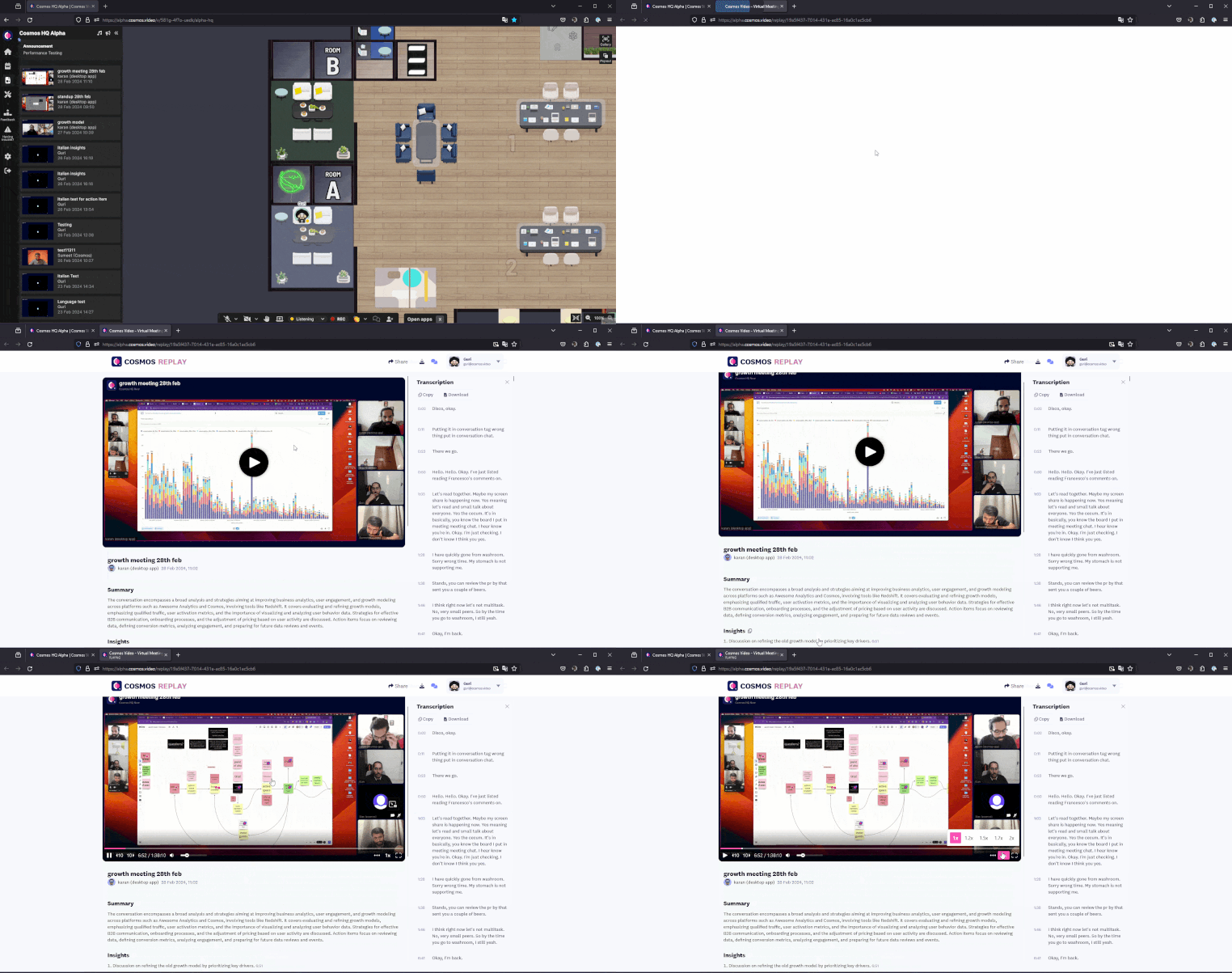
⏩ Cosmos Replays now work on mobile browsers: Anyone can catch up on meetings conveniently on mobile — no app download or login is required. This truly enhances accessibility for Cosmos Replay viewers.

April 30, 2024

Mobile: simpler guest access & enhanced chat

New updates are here, this time enhancing guests' ability to join meetings quickly and better chat on mobile, ensuring you and your team stay connected.

🔗 Guests can join meetings on mobile easily

  • Guests can join meetings with a link: Easier to jump into discussions quickly. There is no need to sign up; download the Cosmos app, click the link, and go.
  • Enhanced deep linking across Cosmos: Cosmos takes you where you need to be with a link in a snap — space, room, user, or meeting links.

💬 Chat improvements

  • Notifications deep link: Jump to the message from any notification, saving you time and hassle.
  • Thread replies in Direct Messages (DMs), Channels, and meeting chats with a refined user experience.
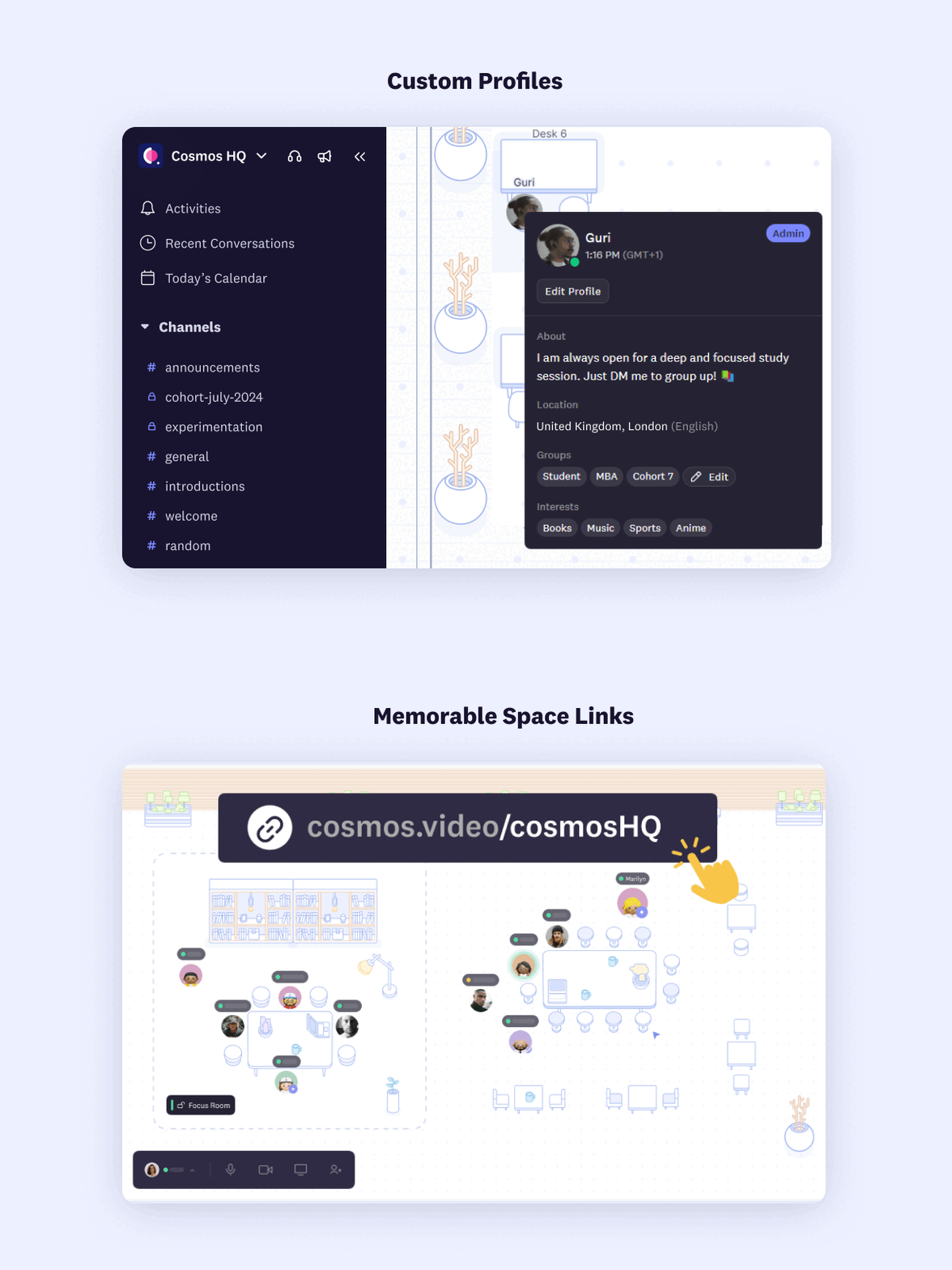
  • Profile pictures sync seamlessly with mobile, web, and desktop chat, keeping chat personalised and engaging.

👯 Community feedback

  • Slack notifications: Cosmos will no longer create message groups for notifications. Instead, you'll get all updates as direct messages from Cosmos, to reduce the clutter from multiple notifications.
Cosmos mobile demo — watch on YouTube
April 29, 2024

Desktop: enhanced chat and performance improvements 🌟

We have some exciting news for you — a slicker chat experience on desktop and fewer steps to enter Cosmos, making it the best app for video calls.

🗨️ Revamped desktop chat

Desktop chat just got a makeover. Here's what's new and improved.

  • Fresh interface: A new interface on the web that's intuitive and user-friendly.
  • Enhanced formatting: Make your messages more readable with formatting options like bold, italics, strikethrough and code.
  • Seamless sharing: Share attachments effortlessly to keep the conversation flowing.
  • Pinning: Ability to pin important messages on channels and DMs.
  • Express yourself: Sprinkle personality into your messages with emojis.
  • Threads: Improved threading experience for deeper discussions.

🚀 Performance boost: Under-the-hood improvements to reduce load times, smoother panning, and seamless zooming. Also, snowball throwing is fixed. If you don't know what I'm referring to, enter Cosmos and press "T" to try and throw one at your colleague.

🎤 Hassle-free joining: Users can enter Cosmos space without giving permission to a mic or camera. They see the permission prompts when they unmute the mic or camera.

🛠️ Cosmos recovers if Chrome auto-kills the tab: Stay connected with your colleagues easily.

🎥 Cosmos recording: The recorder bot wasn't starting recording immediately; we've shipped a fix today.

Cosmos desktop chat demo — watch on YouTube
May 10, 2023

Easier to be available and start conversations 👥

We at Cosmos want to help teams to be connected. We do this by lowering the effort it takes to start a conversation. We've shipped new features that make it easier to be available, pick the right moment and start a conversation.

🌟 Easier to be available

Improved popout experience to ensure Cosmos gets out of the way and lets you be productive. It gives you control for peace of mind:

  • Quick access to buttons for mic and camera, status, and screenshare
  • Floating videos with the ability to switch between pages
  • Sound notification when someone walks up to you
Cosmos Video Listening status pop-out pill making it easier to be available for teammates

🔍 Pick the right moment

  • Spot available teammates in the sidebar or on the map
  • Understand their context from true status
  • If one of your teammates is busy, you can ask Cosmos to notify you when they become available

💬 Start conversations effortlessly

  • Walk up to your teammate to start talking
  • Or use "Are you free for a chat?" to ask if now is a good time

The new popout experience is available in the Cosmos desktop app.

April 29, 2022

Record meetings and ability to blur your video background

🎥 Record meetings in rooms

Record meetings and keep them private or share them with your teammates. To view a recording, head to the video inbox in the left sidebar of your Cosmos venue.

Cosmos Video meeting toolbar with record, camera, mic, reactions and availability controls
Cosmos Video Record Meeting dialog inside a room with title, description and share-with-office setting

📷 Background blur

You can now blur your background from the Audio & Video tab in Settings and keep your surroundings private.

Cosmos Video background blur toggle applied to a user's video feed in call settings
February 8, 2023

Annotate screenshare for better training and co-working

Cosmos Video annotations on screen share letting users draw and write on a shared display during calls

Everyone in a conversation can now annotate a screen which is being shared.

📺 For the person sharing the screen

You need to use the Cosmos desktop app and share your entire screen.

✏️ To annotate

Click your mouse/touchpad and drag/swipe. You can choose to be on the Chrome browser or the Cosmos desktop app. We currently don't support the annotations feature on mobile.

February 6, 2023

Improved video experience on web, desktop and mobile apps

Cosmos Video network and CPU performance improvements keeping video calls stable on web and desktop

🪄 Dynamic screen-share quality

Cosmos prioritises screen-share and audio over video in a situation with limited bandwidth.

📶 Ability to handle slow internet speed and reduce CPU usage

We adjust video quality based on the bandwidth available to upload and download. We also show the quality of each participant's connection on the video tile.

🌏 Low latency when connecting to people in different parts of the world

Cosmos now has globally distributed servers, and users connect to the closest Cosmos server based on location. Example: if two people are talking, one in India and the other in the UK, they will connect to the closest Cosmos servers based on their location. Our users get the best video quality regardless of their location.

📱 New mobile app

Please update your Cosmos Video mobile app to the latest version. Older versions of the app will no longer work. Also, we have resolved the following bugs on the apps:

  • Screen-share can now be zoomed in and out
  • Bluetooth headphones now work
  • The phone remains awake while you are on the video call

Download the apps here