November 12, 2021
Open apps and games within Cosmos
🌐 We've launched integrated apps
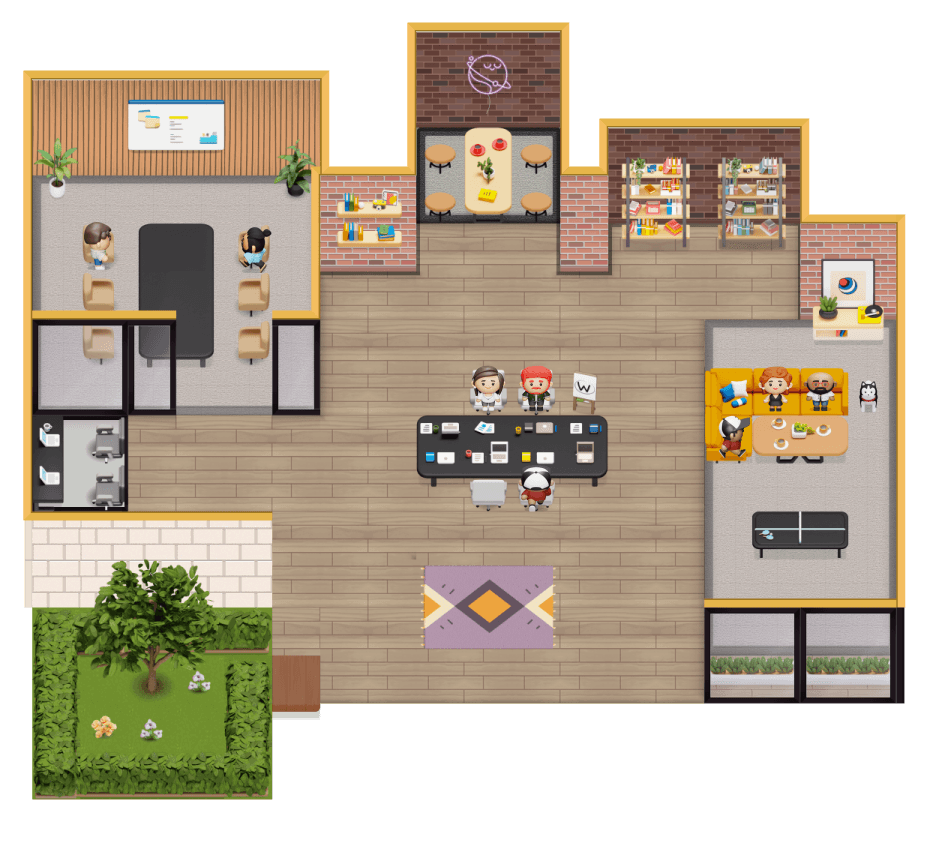
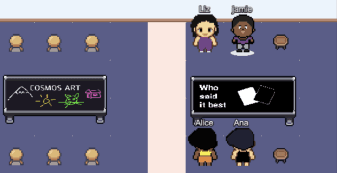
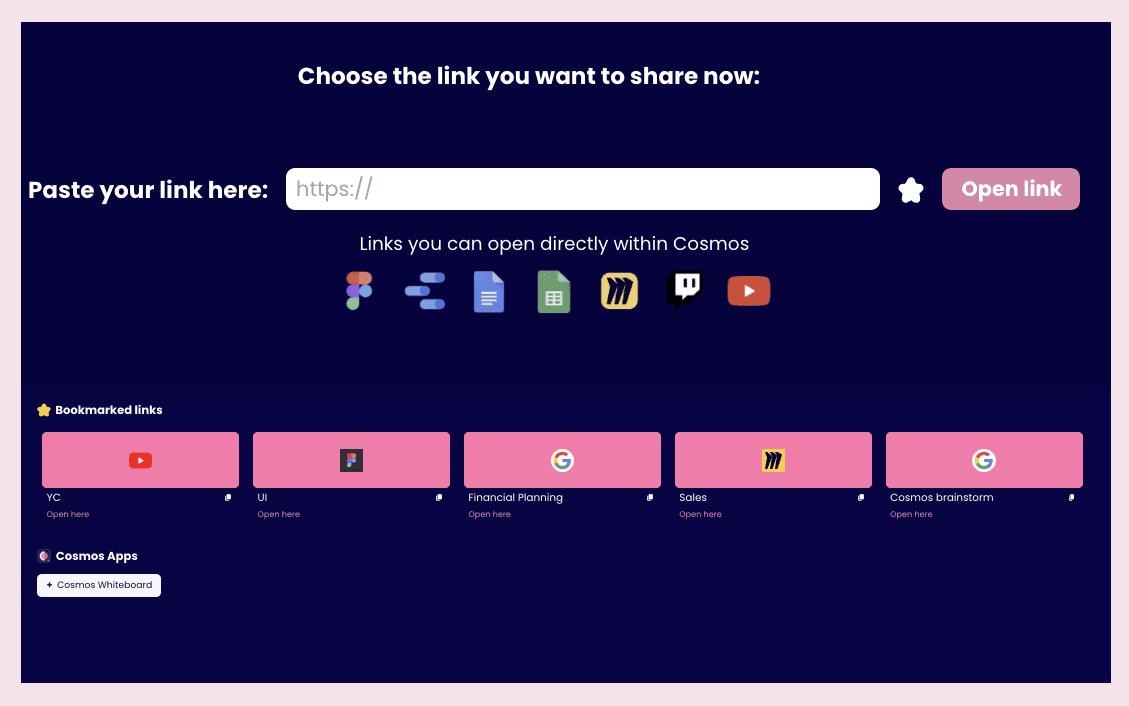
Walk up to any work table in Cosmos and press 'X' to access integrated apps. Collaborate with your teammates on the best apps for work: Google Docs, Miro, Figma and more. All from within Cosmos.
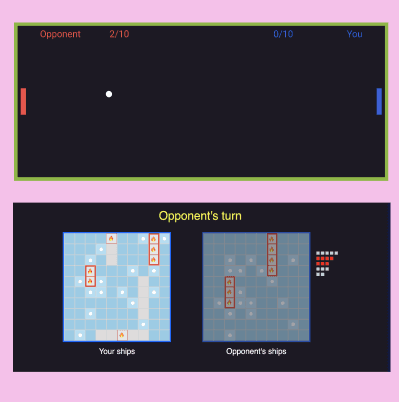
🤩 The Games Table is here
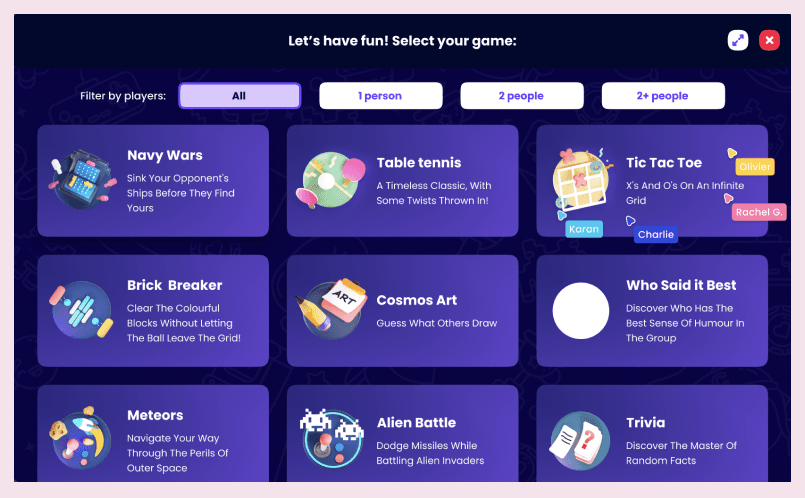
You no longer have to choose between pong or pictionary in your office. Walk up to a game table, and choose from one of the 15 games you'd like to play.
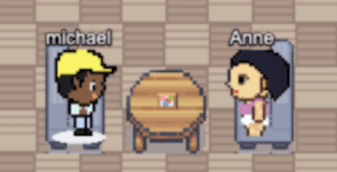
🤫 You can now whisper to someone
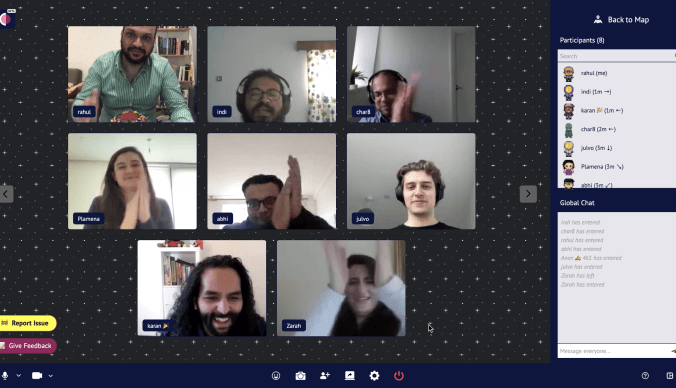
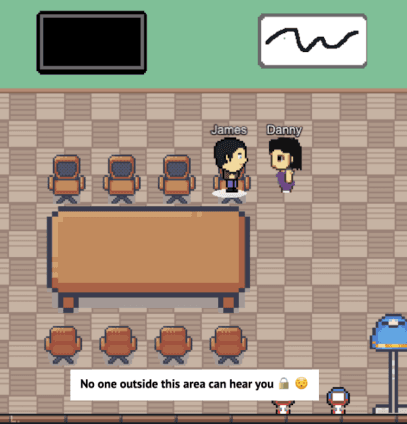
Hover your cursor over someone's video tile to whisper to them. You'll be in a one-to-one chat with them, and no one around you will be able to overhear.