
Webinars & Large Sessions
Traditional webinars trap participants in passive viewing with limited interaction. Cosmos transforms boring virtual events into dynamic events where participants can move between presentations, networking, and group discussions.
Large-scale video sessions supporting up to 200 participants that can be part of complete virtual event experiences. Hosts can design event spaces with presentation areas, networking zones, and breakout rooms—all accessible through a single virtual event platform without switching between tools.
.png&w=3840&q=85)
Video Experiences at Scale
- Support for up to 200 participants (with 250+ in testing)
- Gallery view with easy navigation between pages
- Spotlight mode for controlling what everyone sees
- High-quality video and audio even with limited bandwidth
- Coming soon: Stage Experience supporting up to 500 participants
-1.png&w=3840&q=85)
Curated Event Experiences
- Customisable event spaces with different room types
- Spatial areas for networking where participants connect and move freely
- Dedicated rooms for presentations and breakout discussions
- Templates for different event types (all-hands, lectures, conferences)
- Seamless transitions between structured and unstructured sessions
.png&w=3840&q=85)
Active Audience Participation
- Freedom to explore different areas and conversations
- Profile viewing for better networking
- Public channels for group discussions
- Direct messaging for private connections
- Interactive elements including embedded apps and games
Presenter & Admin Control
- Simple external guest management with knocks, ability to kick and moving people with "J" menu
- Space insights and analytics for understanding audience attendance
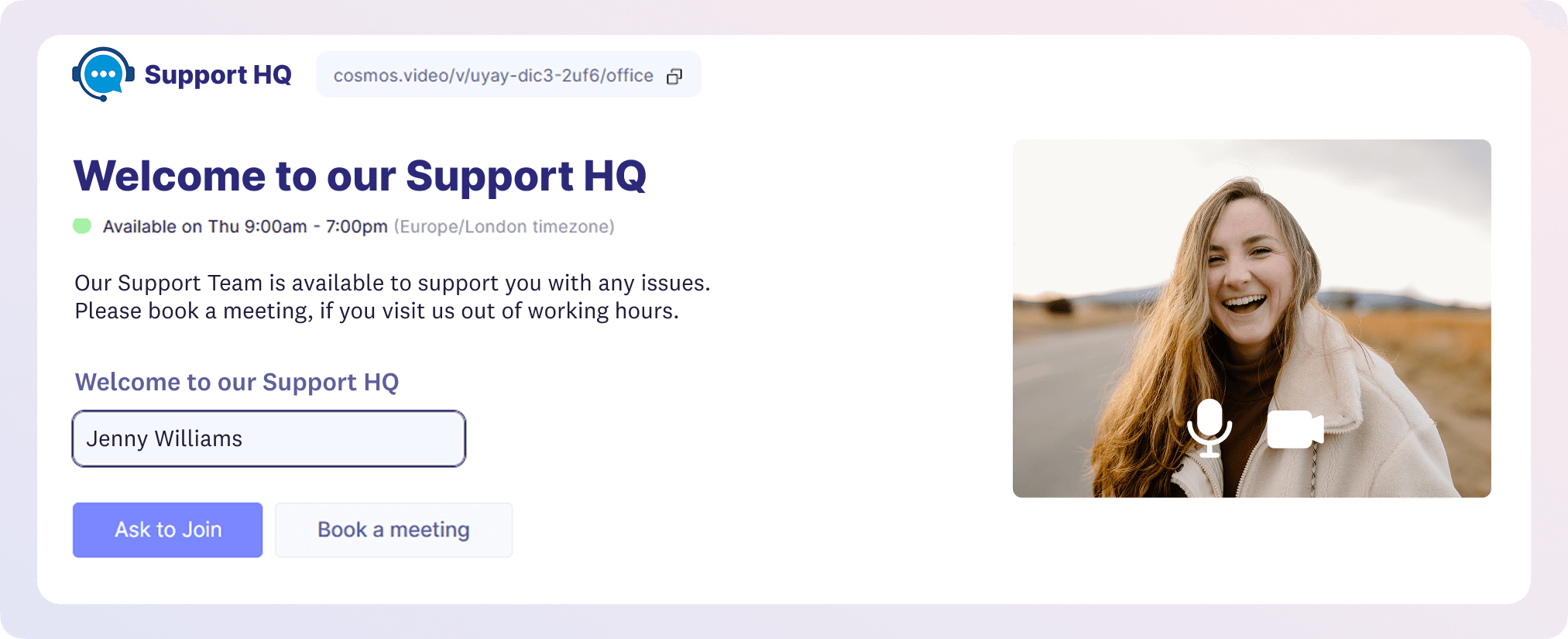
- Simple space URL, and custom landing page to give needed context and instructions to the guests.
- Ability for presenters to have a back stage room for discussions, or private channels for messaging amongst themselves.
Why it matters
- Creates complete experiences – Not just presentations but full virtual events with networking and focused discussions
- Balances structure with autonomy – Guide the overall experience while giving participants freedom to engage meaningfully
- Enables genuine connections – Facilitate the relationship-building that's impossible in traditional webinar formats
Pro Tips
- Design your event venue with a clear flow—from main presentations to networking zones to discussion rooms
- Start with an overview of the space so participants understand their navigation options
- Use spatial areas after presentations for organic networking
- Create themed breakout areas for deeper discussions on specific topics